 Sawme
Sawme
See more
before you answer.
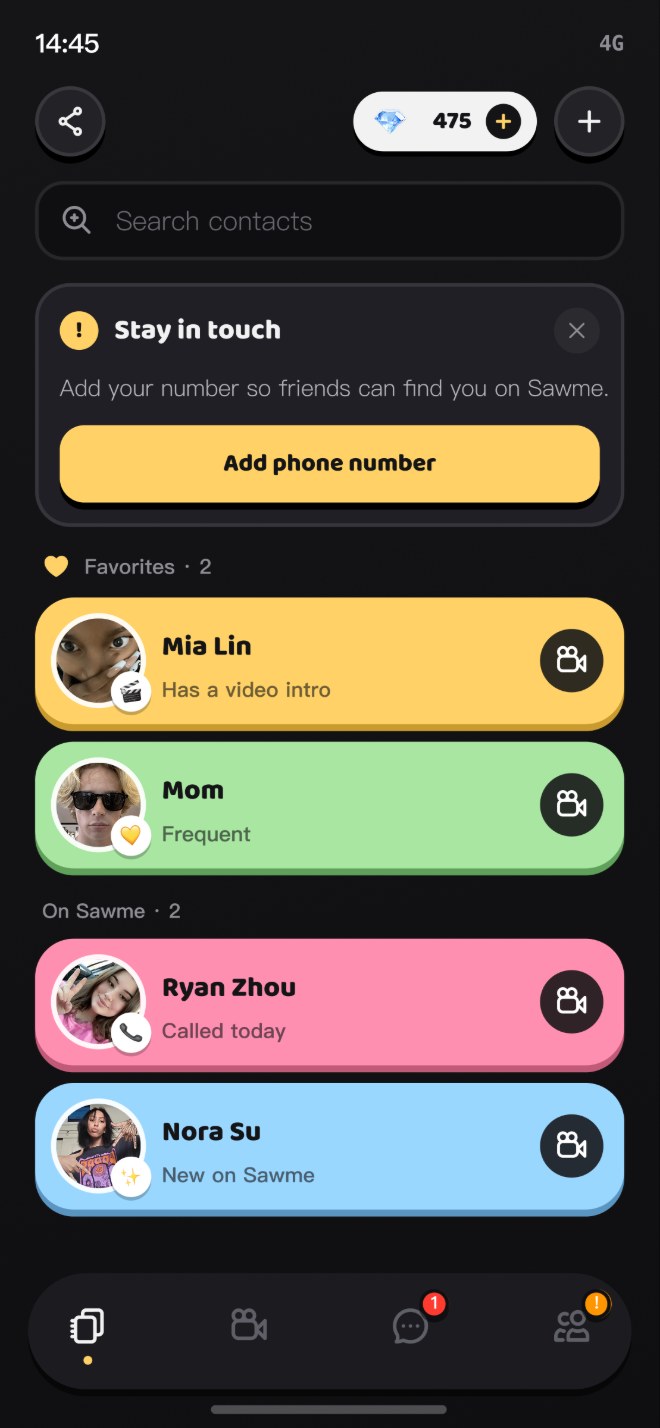
Create a video intro of up to 15 seconds. When you call another Sawme user, it can appear before they answer.
 Get it onGoogle Play
Five screens, one idea
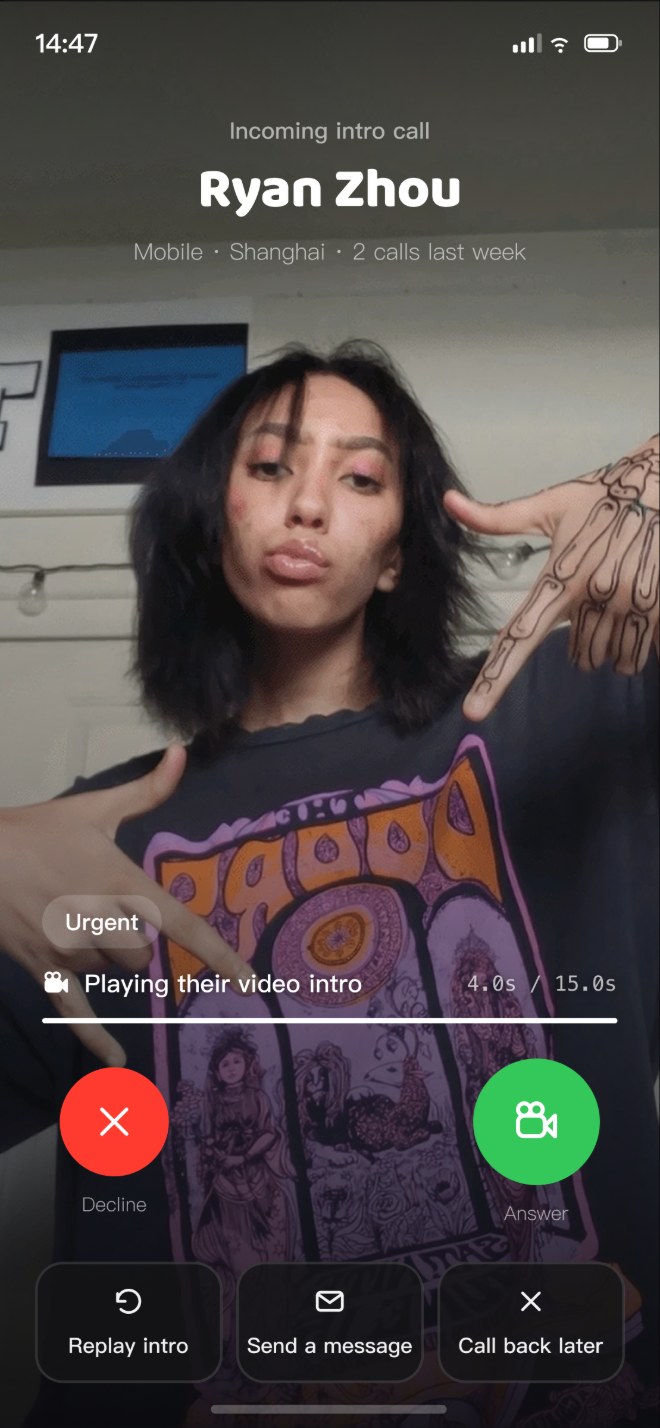
Three steps to a call with context
Your video intro
Up to 15 seconds, and you choose who can see it. On a Sawme call it can appear before the other person answers.
Calls, chats, groups
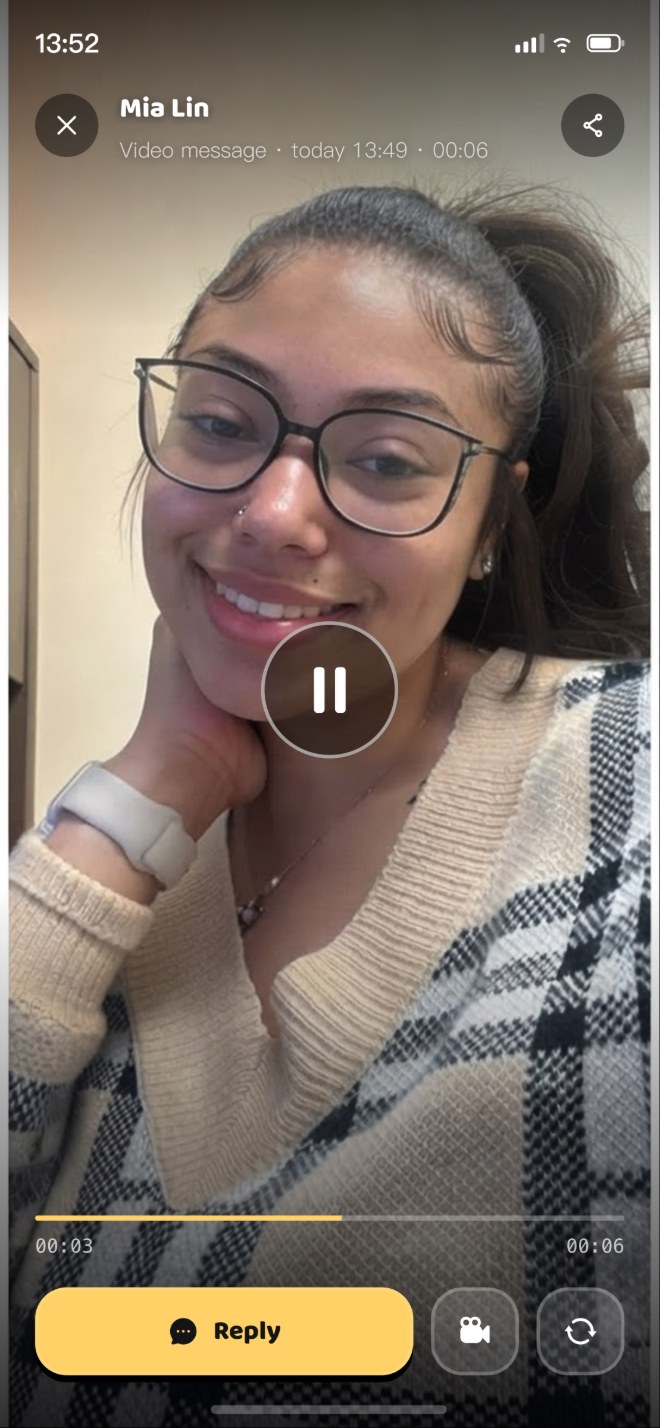
One-to-one video and voice calls, private messaging and group chats — with text, voice and video messages, plus camera controls on supported calls.
AI assistant
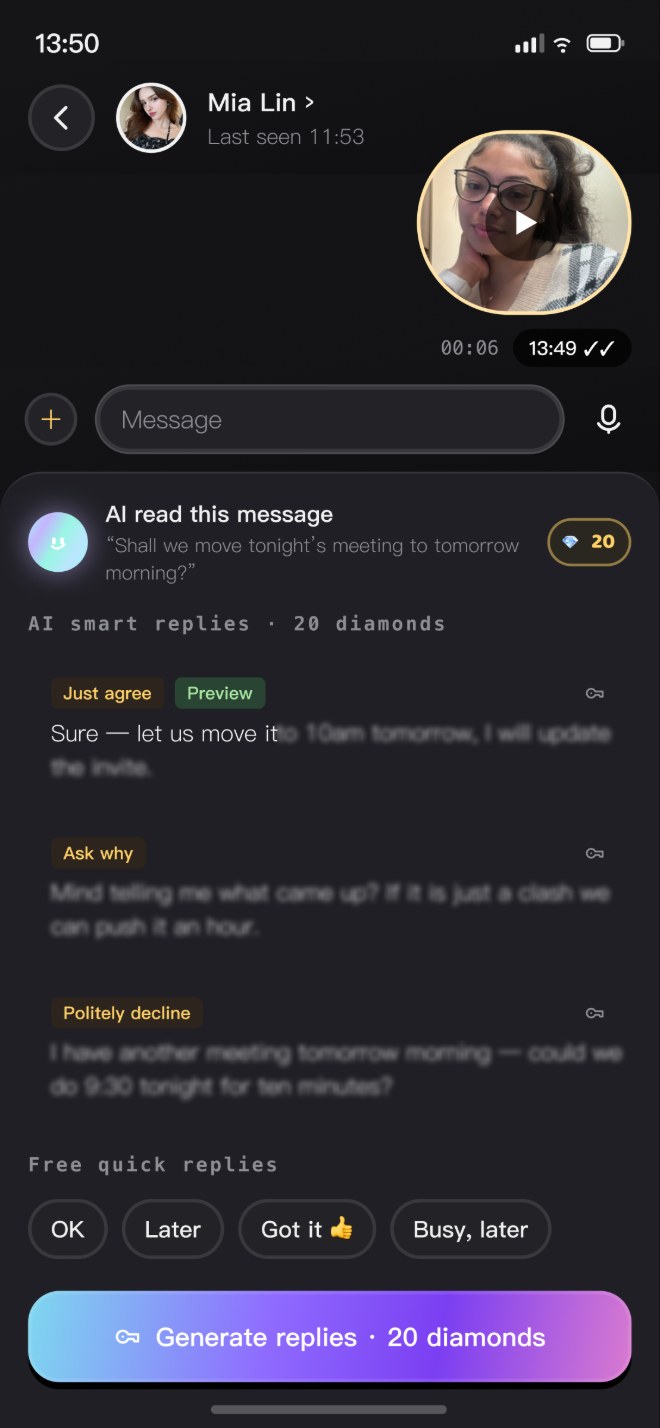
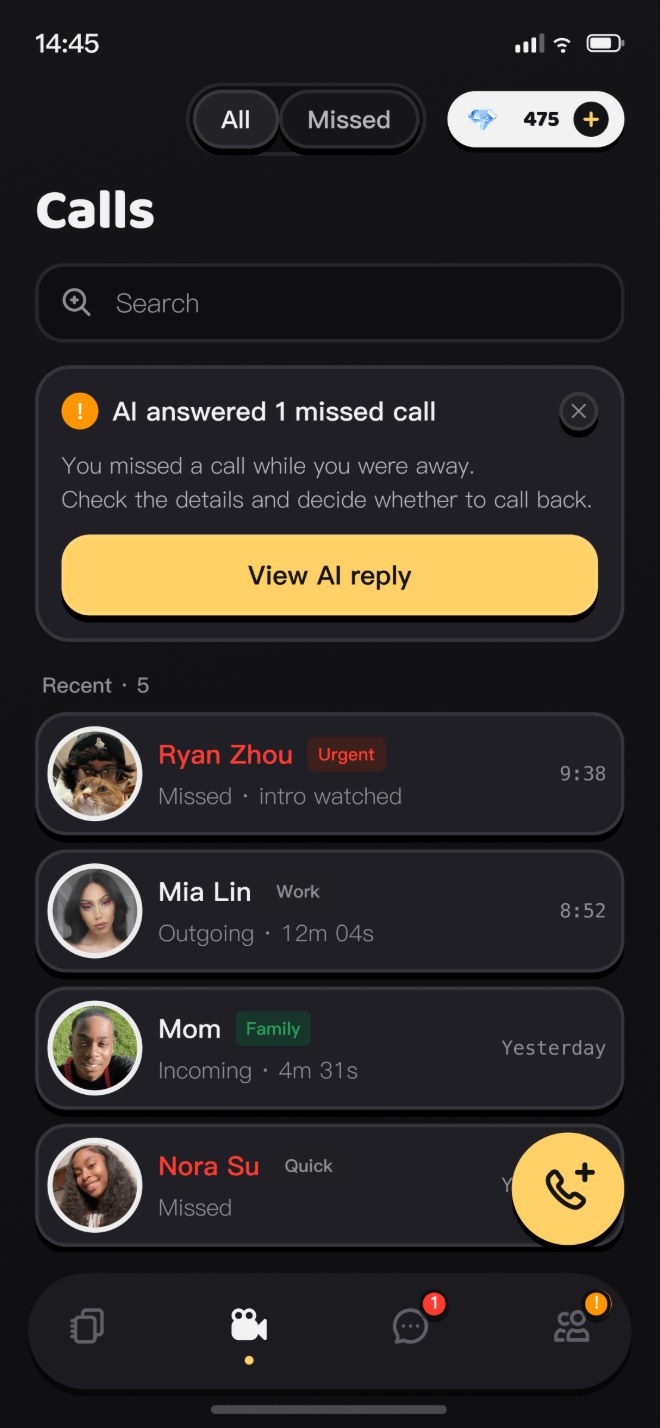
Miss or decline a call and the AI assistant can help respond and collect a message. Smart Reply suggests responses from recent context.
Questions people ask
A clip of up to 15 seconds that can appear before the person you call answers, giving them context about the caller.
You do. Visibility is your choice, and syncing contacts is optional.
The AI assistant can help respond and collect a message for you. It never answers the call on your behalf.
Optional extras only: AI Smart Reply is 20 Diamonds per use and Group Chat is 150. One-to-one calls, private messaging and video intros need none.